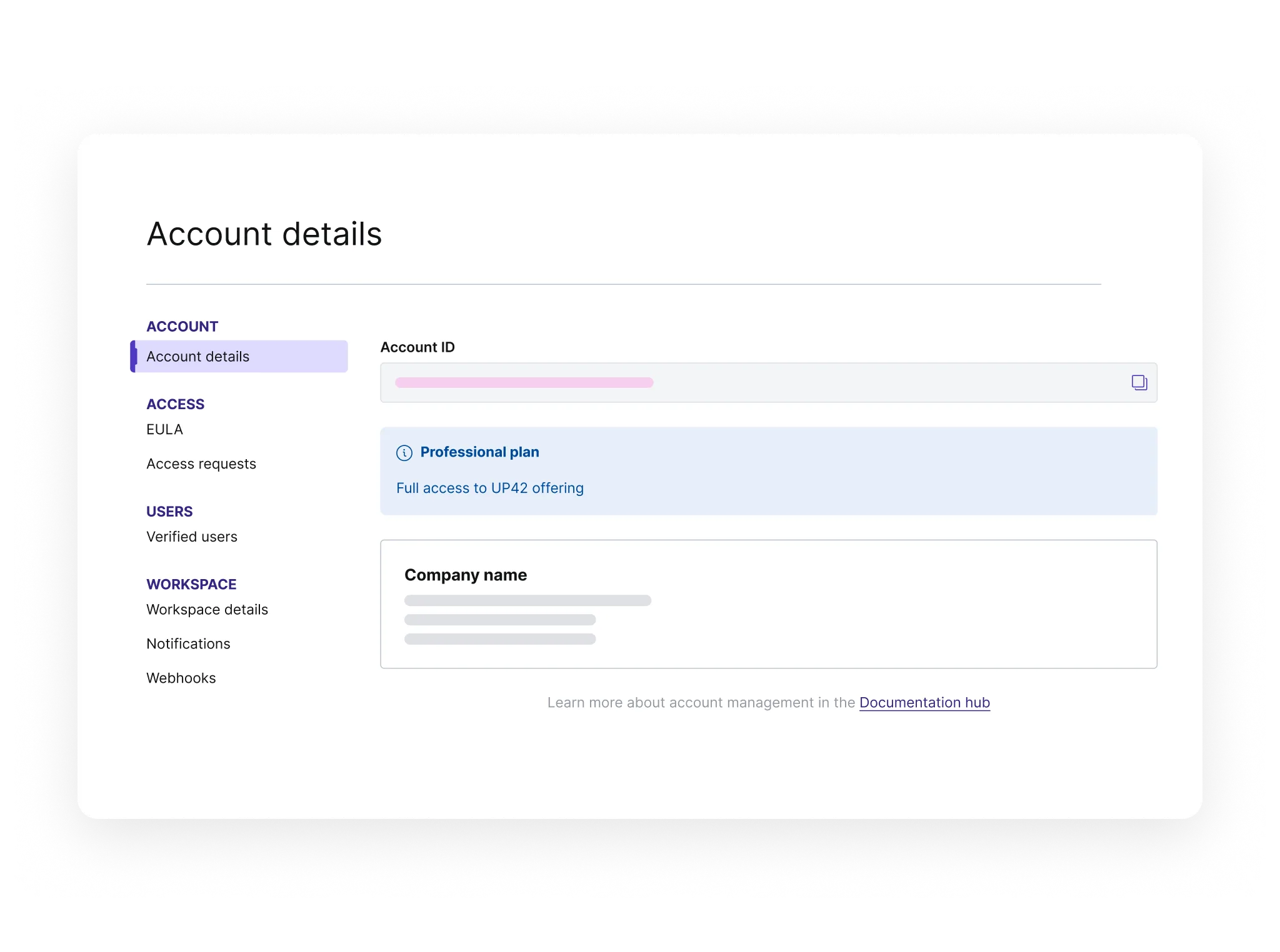
Use the console to order and process geospatial data, and to manage your users, credits, and account settings.
-
Registration
Create an UP42 account.
-
Console
Use a graphical interface for ordering and processing geospatial data.
-
Account
Manage your account and invite users.
-
Credits
Purchase and use credits.
-
EULAs
Review and accept end-user license agreements.
-
Compliance process
Prepare necessary documents for a compliance check.
-
Support plans
Fast-track your success with premium support services.
-
Access requests
Request access to restricted data.
-
System status
Monitor active incidents and status updates for UP42 platform services.